PETAPETA School of Nightmares Controls
Keyboard and movement habits that keep you inside a locker instead of a jumpscare.
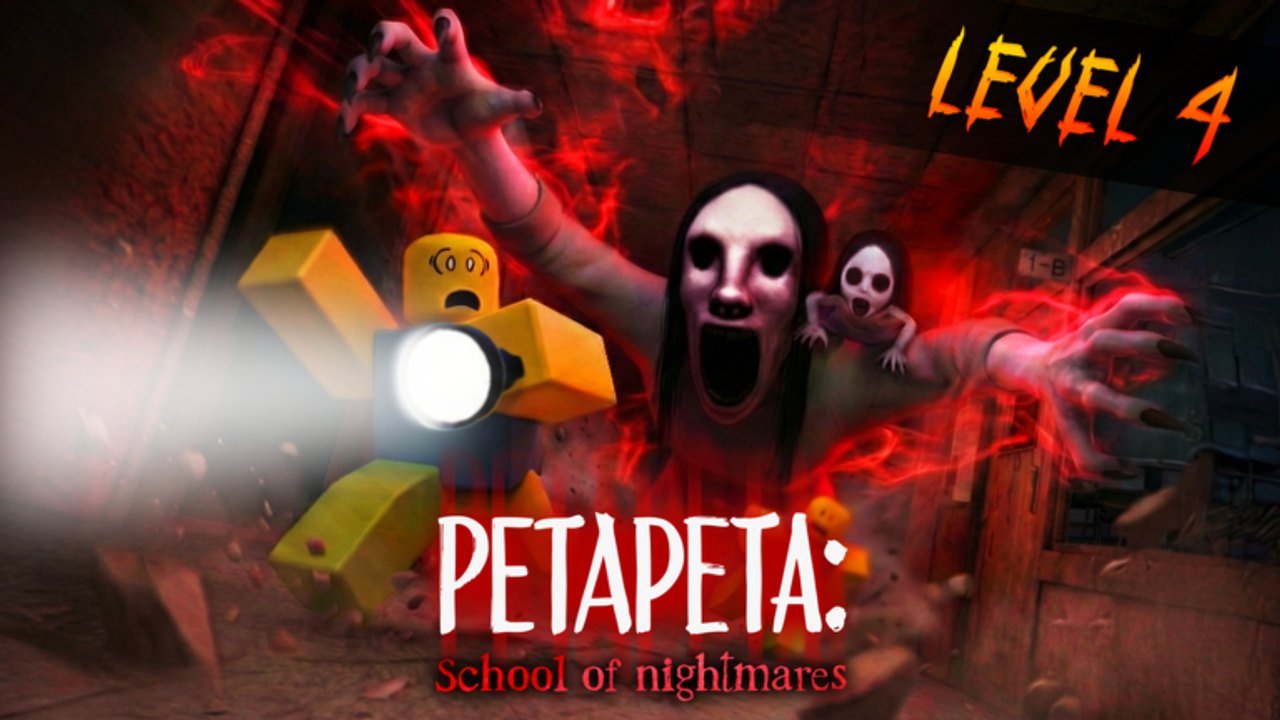
Controls in PETAPETA: School of Nightmares look simple and punish sloppy habits. Omochi Studio kept the same movement language as the hotel PETAPETA experience: walk, sprint, crouch, interact. The school adds tighter locker rows and longer hallway dashes, so stamina and interact timing matter more than memorizing extra buttons. This page is the input map plus the habits that make those inputs survive a chase. Pair it with Getting Started and How to Hide.
Default keyboard map
| Input | Action | When it matters |
|---|---|---|
| WASD | Move | Every classroom sweep |
| E | Interact | Keys, lockers, glass, doors, TV, padlocks |
| C | Crouch | Quiet reposition near lockers |
| Left Shift | Sprint | Short dashes only — burns stamina |
There is no attack button that kills PETAPETA. Stun lives on the Skill up tree, not on a default mouse bind. If a patch remaps stun on a later level, check Updates rather than inventing a new key.
Mobile players use on-screen sticks and a proximity prompt instead of E. The loop is identical: do not start a long interact animation in the open if chase audio is already rising.
Stamina is a hide resource
Left Shift is not a travel mode. Emptying the bar in a courtyard leaves you unable to reach a locker when the screen reddens. Sprint in bursts between cover, then walk or crouch while the bar recovers. Speed and Stamina nodes on the skill planner exist to make those bursts safer, not to replace cover.
On Hard Mode and Super Hard, PETAPETA is faster. The same empty-bar mistake that was survivable on Normal becomes a down. Practice the burst-walk pattern on Normal before you buy the 3000-shard unlocks.
Interact discipline
Press E on golden glows, locker doors, glass, and padlocks. Missing a table glow is the most common early fail. Do not spam every padlock with every key — Wrong Key wastes the quiet window after a hide. Read the handle symbol first, then interact with the matching lock. Details live on How to Find Keys.
Breaking glass or doors on level 2 is still an E interact. Start the break only when you already know which locker you will use if footsteps spike mid-animation.
Crouch vs sprint
Crouch (C) is for short, quiet steps along locker walls. It is too slow for crossing the courtyard. Sprint is for committed dashes to cover or to the gate after the last lock opens. Mixing them poorly — crouching across a long hall, or sprinting in place next to a locker — is how players get caught looking busy.
Safe Room TV and maps
The Safe Room television is an interact, not a cutscene. Watch it once per key. It shows a classroom number such as 1-A. Floor maps (both floors) mark classroom numbers and locker clusters. Treat those maps as a control overlay: look, then move, then hide. The school map page collects that layout language.
Locker enter and exit
Entering a locker is an interact. Exiting too early after PETAPETA passes is the other half of the skill. Wait for footsteps to fade and the red tint to clear. Full timing lives on How to Hide. Controls cannot save a player who leaves cover the instant the model walks by.
Co-op callouts
WASD does not replace voice. Call classroom numbers, “TV says 1-A,” and “hiding now.” One player watching the Safe Room TV while others sweep lockers is a control strategy, not a lore strategy. If Mini PETAPETA is on level 4, call collapses immediately so teammates stop looting — see Mini PETAPETA.
Graphics and audio settings
Omochi recommends max graphics and headphones. Chase footsteps are your earliest warning. Playing muted is the same as deleting the most important control. Flashing lights are intentional; take breaks if needed.
Related pages
After you can move without dumping stamina, run the walkthrough, then farm Cursed Shards and Archives. Competitive binds and hunter seats are on PvP. Return to the Guides Hub for the full tutorial index.
Master four keys: walk, sprint in bursts, crouch near lockers, interact only when the symbol or glow is confirmed. Everything else in School of Nightmares is timing on top of that map.
Frequently Asked Questions
Quick answers for School of Nightmares players.
What are the default controls?
WASD to move, E to interact, C to crouch, and Left Shift to sprint. Sprint uses stamina.
Can I attack PETAPETA with a mouse click?
No. She cannot be killed. Stun is a skill-tree ability used to delay her, not a default attack button.
Why do I keep dying after I sprint?
An empty stamina bar leaves no dash into a locker. Sprint in short bursts between cover.
How do I use the Safe Room TV?
Interact with E. It shows the next key classroom, such as 1-A. Then use the floor maps.
Do mobile controls change the loop?
The buttons look different, but you still hide, interact, and manage stamina the same way.